Plan a business website around clear information, mobile visitors and a reliable route to enquire—not a long list of features.
Start with one useful customer journey
Before deciding colours or page count, write down what a visitor needs to do. A coaching centre may need a course enquiry; a shop may need product discovery; a service business may need a phone call. Give that action a clear place on the homepage. Secondary links can support research without competing with the main next step.
List the questions customers ask on the phone. Turn those questions into your navigation and page headings. A useful service page explains who the service is for, what it includes, what information you need from the customer and how to make contact.
Prepare business information before design
Collect the correct business name, phone number, email address, service area and opening hours where relevant. Use real photographs with permission. If a price depends on requirements, explain the factors behind a quotation rather than displaying an invented starting price.
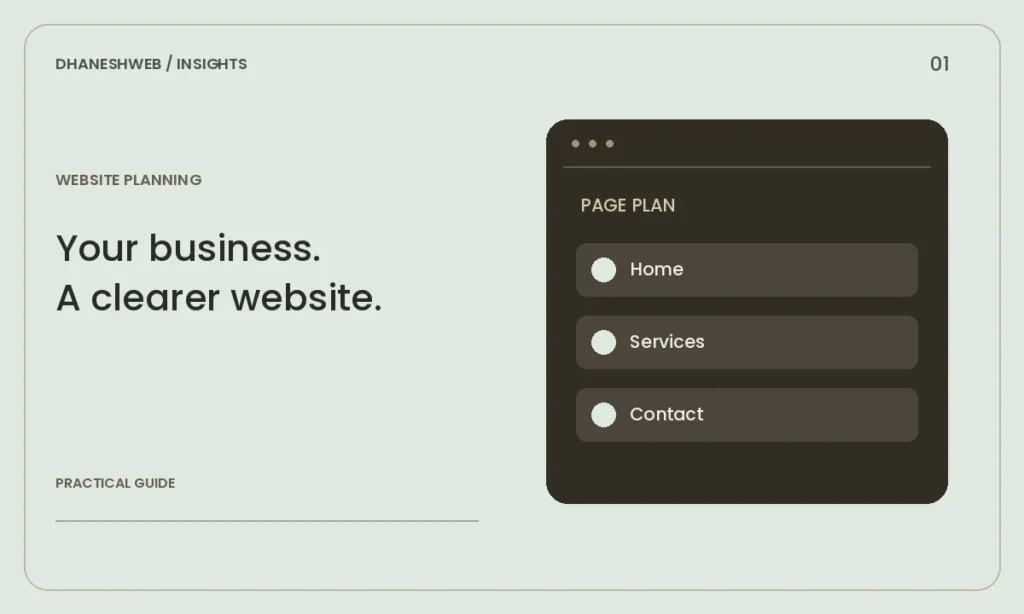
Create a simple content sheet for Home, About, each Service and Contact. Include an owner for each fact so outdated phone numbers or staff details can be corrected quickly. Keep claims about qualifications, clients and results only when you can support them.
Make mobile enquiries easy
Review the site on a real phone using a mobile connection. Check whether headings fit, text is readable without zooming and buttons are easy to tap. Phone and WhatsApp links should open the intended action. Forms need clear labels, understandable error messages and a confirmation after submission.
Avoid asking for more information than needed for the first conversation. A name, contact method and a short description may be enough for an enquiry. Explain what happens next without promising a response time you cannot maintain.
Build search foundations into the pages
Give each main service its own useful page and a descriptive title. Use short, stable URLs and links that explain their destination. Add image descriptions when they help readers understand the image. A sitemap helps search engines discover pages, but it does not guarantee indexing.
Local context should help a customer: where you operate, which services you provide and how to reach you. Repeating Maharajganj in every heading makes a page harder to read. A complete business profile and consistent contact details are more useful than lists of unrelated town names.
Check ownership and maintenance before launch
Confirm who owns the domain, hosting account and website files. Record renewal dates and keep recovery details in an account you control. Arrange backups and test how a restore would work. Agree who updates service information and checks enquiries after launch.
Use a written launch checklist: HTTPS, contact links, form delivery, mobile navigation, image loading and the visibility of all important pages. After launch, review actual enquiries and Search Console data before deciding what to improve next.
Get help with your website
Explore our Website Development in Maharajganj service or discuss your requirements with DhaneshWeb.
Continue reading
- Local SEO for a Maharajganj business: a practical starting point
- A website redesign checklist that protects useful URLs